
Signal will block screenshots on iOS 27 and turn on screen protection on Android when an AI assistant tries to read chats, the company said, in a Signal privacy move aimed at phone AI agents.
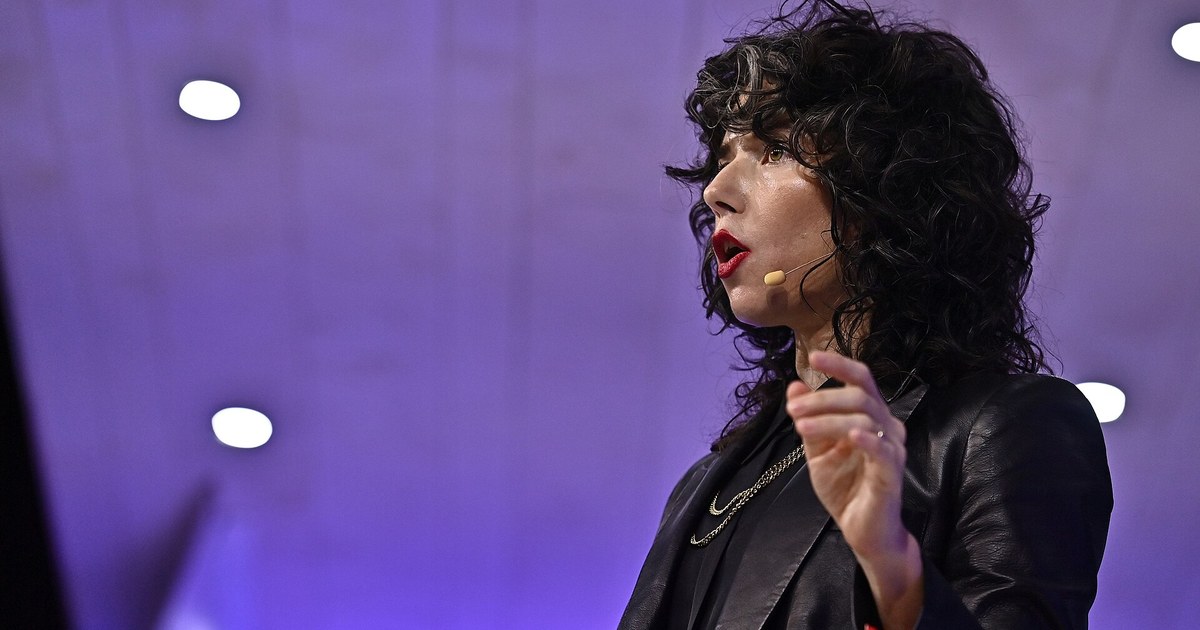
The change matters because Apple and Google are building AI assistants that can read whatever is on a phone’s screen. Meredith Whittaker, Signal’s president, said these tools undermine Signal privacy guarantees, even though messages remain encrypted in transit.
What is the Signal privacy change on iPhone and Android?
In a blog post on 20 November, Ms Whittaker said Signal would restrict “agentic systems built into iOS 27” and Android versions “where we can detect an AI assistant attempting to read your Signal screen”.
On iOS 27, the app now blocks screenshots by default. The Hacker News reported that the update adds a “Block Siri AI” setting that also covers the app switcher.
Android is handled differently. Signal said many phone makers ship their own versions of Android, so it cannot reliably tell when a screenshot is attempted. Instead, the app turns on its existing “Screen security” setting automatically when it detects an AI assistant trying to read the screen.
Signal privacy protection already works this way on Windows: last year the company blocked Microsoft’s Recall feature from capturing Signal messages on Windows 11 by default.
Why does Signal say AI assistants threaten privacy?
Signal’s encryption protects messages between phones. But an assistant that “scans” the screen can capture a conversation after it has been decrypted for display, Ms Whittaker wrote. That data is then “made accessible to whatever local database or remote server an OS-level AI agent is using at that moment”, she said, outside Signal’s control.
She named Google’s Gemini on Android and Apple’s on-screen awareness feature for Siri. She called the integration of such agents into operating systems “an existential threat to Signal” and said it “imperils the privacy of all the participants in a conversation”, not only the person whose phone is being read.
Signal also said it wants tools to stop third-party agents, such as Meta’s Muse, from using accessibility permissions to read app data. Apple, Google and Meta had not commented publicly on the post at the time of writing.
Can Signal users turn the Signal privacy setting off?
Yes. People who want to take screenshots can switch the protection off in the Signal app’s settings. Signal warned that doing so “will potentially expose your (and your contacts’) Signal content to these AI agents, and break our privacy guarantees.”
The company also said its fix is incomplete. Blocking screenshots does not stop an agent from reading content already stored on the phone through its file system. Signal cannot yet offer the same protection on Mac computers, because, it said, macOS gives developers no reliable way to block screenshots. TechCrunch and Decrypt also reported the limits.
Users who want to protect their accounts more broadly can also turn on two-step verification for messaging and email apps.
What does Signal want from Apple, Google and Microsoft?
Signal asked the three companies for two things: an easy, documented way for developers to opt an app out of AI data access, including screen reading, file access and notifications, and better technical documentation on how their AI agents collect and process data.
The company said it had spent months on “forensic investigations” of Android and iOS to learn what these systems do with app data. It said it was “cautiously optimistic” that Google and Apple were talking to it about how their systems should work with privacy-sensitive apps.
The Signal privacy dispute comes as phone makers move their assistants to AI models. Google is replacing Google Assistant with Gemini on its smart speakers next year. How Apple and Google respond will decide whether apps such as Signal can keep their privacy promises on phones running these assistants.
FAQ
What is Signal’s new privacy setting?
On iOS 27, Signal blocks screenshots by default. On Android, it turns on “Screen security” when it detects an AI assistant trying to read the screen. The company says the aim is to stop AI agents capturing chats.
Why is Signal blocking AI assistants?
Signal says AI agents built into iOS and Android can capture decrypted messages from the screen and store or send them elsewhere, which undermines Signal privacy guarantees for everyone in a conversation.
Can I still take screenshots in Signal?
Yes, by switching the protection off in Signal’s settings. The company warns this may expose your messages and your contacts’ messages to AI agents.
Does the Signal privacy block work on Mac computers?
No. Signal says macOS does not give developers a reliable way to block screenshots, so it cannot yet offer the protection there.