


Two-step verification adds a second check, such as a code or a prompt on your phone, when someone signs in to your WhatsApp, Gmail or Facebook account, and takes minutes to switch on.
It matters because stolen or weak passwords remain the easiest way into an account. The FBI said this month that hackers using the AI tool Artex often break in through weak or stolen credentials, and that some intrusions reach full control in under three hours.
What is two-step verification?
With two-step verification, a password alone is no longer enough to take over your account. A thief who learns it still needs the second step, which normally depends on something you have, such as your phone or a security key. Companies use different names for the same idea: WhatsApp calls it two-step verification, Google calls it 2-Step Verification and Facebook calls it two-factor authentication.
How do I turn on two-step verification on WhatsApp?
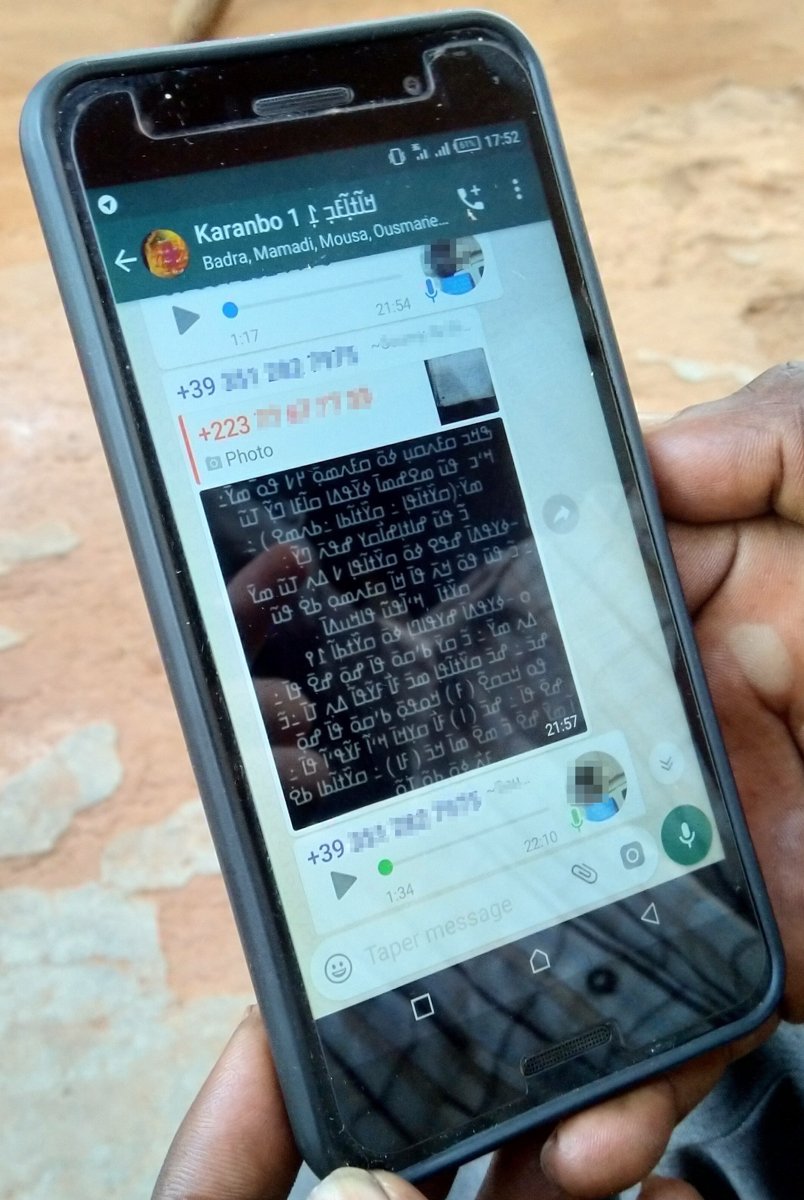
WhatsApp’s version protects you if someone tries to register your phone number on a new phone, for example after a SIM swap. According to the WhatsApp Help Center, on Android you open WhatsApp, tap the three-dot menu, then Settings, Account and Two-step verification. Switch it on, create a password and confirm it.
WhatsApp then asks for an email address. Adding one is optional but worthwhile, because it lets you reset the password if you forget it. You can also choose to trust the device you are using. WhatsApp said it is replacing the six-digit PIN it used for two-step verification with a password; users who already have a PIN can upgrade in the same menu.
How do I set up two-step verification on Gmail?
Gmail uses your Google Account settings. Google’s help page says to open your Google Account, tap Security and sign-in, then choose Turn on 2-Step Verification under “How you sign in to Google” and follow the steps on screen. Accounts run by an employer or school may need an administrator to do this.
Google recommends its sign-in prompts, a notification on your phone that you approve with Yes or block with No, over text-message codes. It says prompts also help protect against SIM swap fraud. Other options include an authenticator app, a security key, and backup codes for when you lose your phone. A passkey, which lives on your device, can replace both the password and the second step.
If you add a phone number for two-step verification, Google says it can take up to seven days to trust it fully.
How do I switch on two-factor authentication on Facebook?
On a computer, Facebook’s help centre says to click your profile picture, then Settings and privacy, Settings, and Accounts Centre. Choose Password and security, then Two-factor authentication, select your account and pick a method. Some users will see Meta Account settings in place of Accounts Centre while Meta updates its menus.
Facebook offers three methods: a security key, codes from an authentication app, or codes sent by text message. You can also get 10 recovery codes to use if you cannot reach your phone.
What else should I do to protect my accounts?
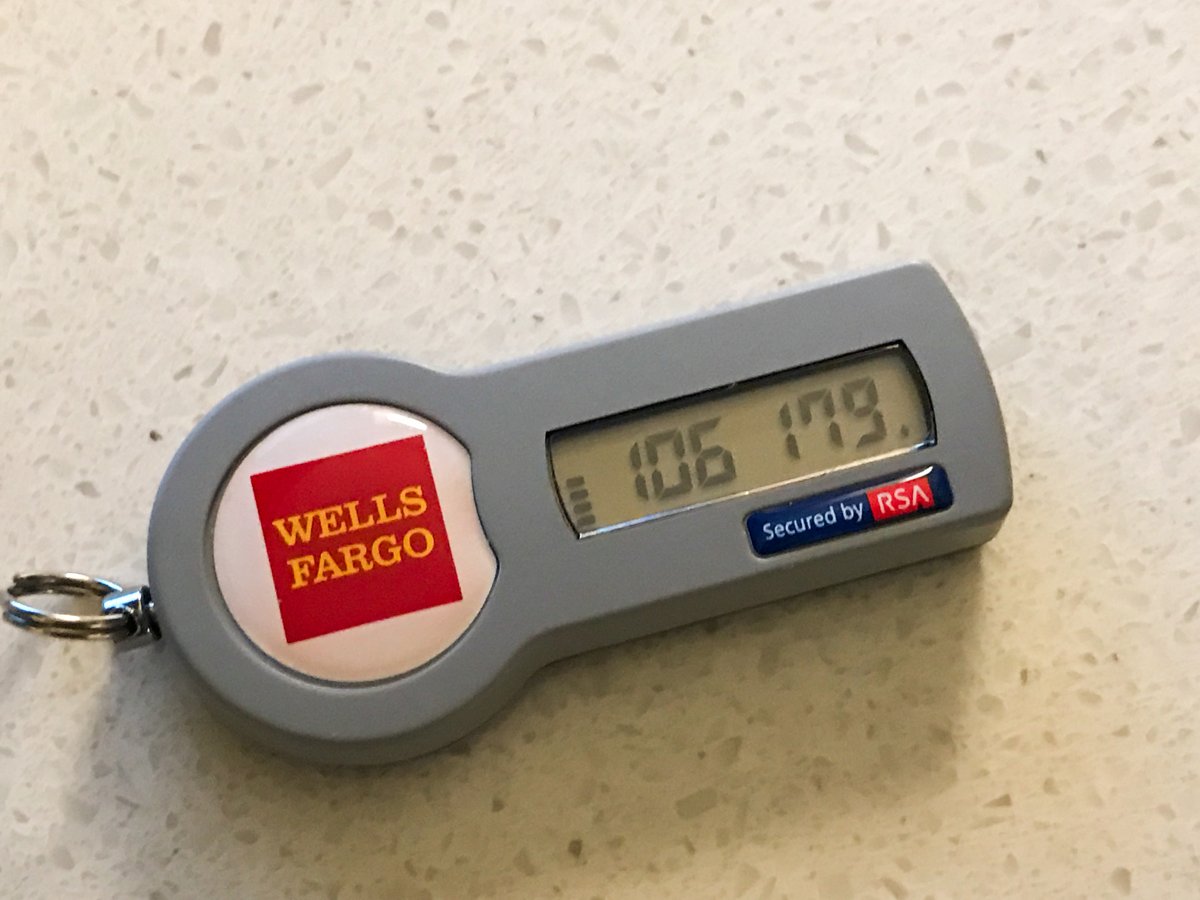
Write down backup or recovery codes and keep them somewhere safe and offline. Prefer app prompts, authenticator apps, passkeys or security keys over text messages where you can, since a phone number can be hijacked. Never share a sign-in code with anyone who calls or messages you, however official they sound: the services say their staff will not ask for it.
Recent incidents show why these steps matter, from the FBI’s warning about the Artex hacking tool to the global Microsoft outage that cut people off from email and work accounts.
FAQ
Is two-step verification free?
Yes. WhatsApp, Google and Facebook all offer it at no cost in their account settings.
What happens if I lose my phone after turning on two-step verification?
Use the backup or recovery codes you saved, or another method you set up, such as a security key or an email address on WhatsApp.
Are text-message codes safe for two-step verification?
They are better than a password alone, but Google says prompts on your phone give more protection against SIM swap attacks, and authenticator apps and security keys are stronger still.
What is the difference between two-step verification and a passkey?
Two-step verification adds a second check after your password. A passkey, stored on your device, can replace the password and the second step altogether.